Launch week is when you most need to see what users do, and it’s when many apps have the least data. Analytics added as an afterthought tends to be patchy: events named three different ways, key steps missing, and no way to tell whether the new onboarding helped. Planning your app analytics events before the build starts costs a few hours and saves weeks of guessing later.
This guide gives a starter event list, naming rules, the properties worth attaching, and a simple tracking plan format your developers can work from.
Start from questions, not from tools
Before naming a single event, write down the five or six questions you’ll need answered in the first three months. For example:
- How many people who install the app complete sign-up?
- Where do they drop off in the main flow?
- How many come back in their second week?
- Which acquisition channels bring users who go on to pay?
- Does feature X get used, and by whom?
Every event you track should help answer one of these. If an event answers none of them, skip it for now. Tracking everything makes dashboards noisy and slows the app.
What your tool already collects
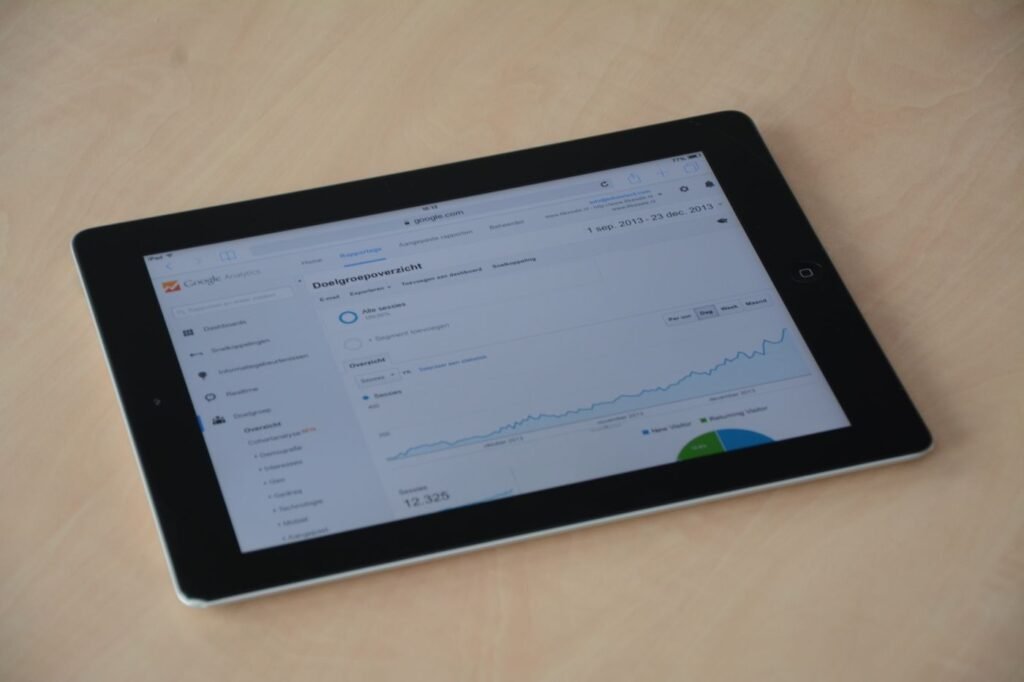
Most analytics tools record some events automatically. Google Analytics for Firebase, for instance, automatically collects events such as first_open, session_start, screen_view and app_update. Check what your chosen tool gives you so you don’t duplicate it. Automatic events tell you that people opened the app and which screens they saw. They don’t tell you whether people did the thing your app is for. That part you have to plan.
A starter list of app analytics events
These cover the core of most consumer and B2B apps. Rename to fit your product, but keep the structure.
Acquisition and onboarding
- signup_started and signup_completed, with the method (phone OTP, Google, email).
- onboarding_step_completed, with the step number.
- permission_prompt_shown and permission_result, for notifications and location.
The main action
Identify the one action that shows a user got value. For a booking app it is a completed booking; for a learning app, a finished lesson; for a B2B ordering app, a placed order. Track each step towards it:
- search_performed, with the query category and result count.
- item_viewed, with the item type.
- checkout_started, payment_attempted, payment_failed (with reason) and order_completed (with value).
Retention and engagement
- notification_opened, with the notification type.
- feature_used, with the feature name, for features you want to evaluate.
- share_clicked or referral_sent, if growth through referrals matters.
Problems
- error_shown, with an error code and screen.
- support_contacted, with the entry point.
- Crashes, through a crash reporting tool rather than your analytics events.
Naming rules that save you later
- Pick one format and stick to it. Lowercase object_action in the past tense (order_completed) is common and readable.
- Never encode values in the event name. Use payment_failed with a reason parameter, not payment_failed_insufficient_funds.
- Name events after what the user did, not after the button. “Button 3 clicked” means nothing in six months.
- Use the same event names on Android, iOS and web, so reports combine cleanly.
User properties worth setting
Properties describe the user, and let you split every report. Useful ones include signup date, acquisition channel, city, plan or tier, app language and user type (customer or provider in a marketplace). Avoid storing names, phone numbers, email addresses or other directly identifying details in your analytics tool. Use an internal user ID instead, and keep personal data in your own database where access is controlled.
Consent and privacy
Analytics is still personal data processing if it can be linked to a person. In India, the Digital Personal Data Protection Rules, 2025, notified on 14 November 2025 with an eighteen-month phased compliance period, require consent notices that are clear and explain the specific purpose of collection, and people can withdraw consent. The app stores also expect your privacy disclosures to include data collected by third-party SDKs; Apple says so directly on its App Privacy details page. Build a way to switch analytics off for users who decline, and record which SDKs collect what. This is general information, not legal advice.
Write a tracking plan
A tracking plan is a shared table that developers implement and everyone else reads. Columns to include:
- Event name.
- When it fires, in plain words (“when the payment provider confirms success, not when the user taps Pay”).
- Parameters and their allowed values.
- Platforms (Android, iOS, web).
- Which question it answers.
- Owner and status (planned, built, verified).
Then test it. Before release, walk through the main flow on a test device with the analytics tool’s debug view open, and tick off each event as it arrives with the right parameters. Repeat this check whenever a flow changes.
Say a Lucknow tutoring app sees plenty of installs but few paid sign-ups. With a tracking plan in place, the funnel shows most users reaching the plan selection screen and stopping at payment_attempted, with payment_failed reasons pointing at one UPI app. That’s a fixable problem, and it would stay invisible without those events.
We can plan analytics as part of a mobile app project, and the same events can feed your digital marketing reporting so campaigns are judged on what users do after install. If you want a tracking plan reviewed, book a call.
Frequently asked questions
How many analytics events should an app track at launch?
Enough to answer your first few questions, usually somewhere between 15 and 30 custom events for a typical app. Start with sign-up, the steps to your main action, payments, errors and notification opens. You can add more after launch. Removing badly named events later is harder than adding the right ones early.
Which analytics tool should I use for a mobile app?
Firebase with Google Analytics is free to start and common for Android and iOS apps. Product analytics tools such as Mixpanel or Amplitude make funnel and retention analysis easier. The tool matters less than a clear tracking plan; the same event list can be sent to any of them, or to more than one.
Do I need user consent for app analytics in India?
If analytics data can identify a person, India’s DPDP framework applies, and consent should be informed and tied to a clear purpose. Many apps ask during onboarding and offer a setting to opt out. Rules are being phased in, so check current guidance and take legal advice for your specific case.